
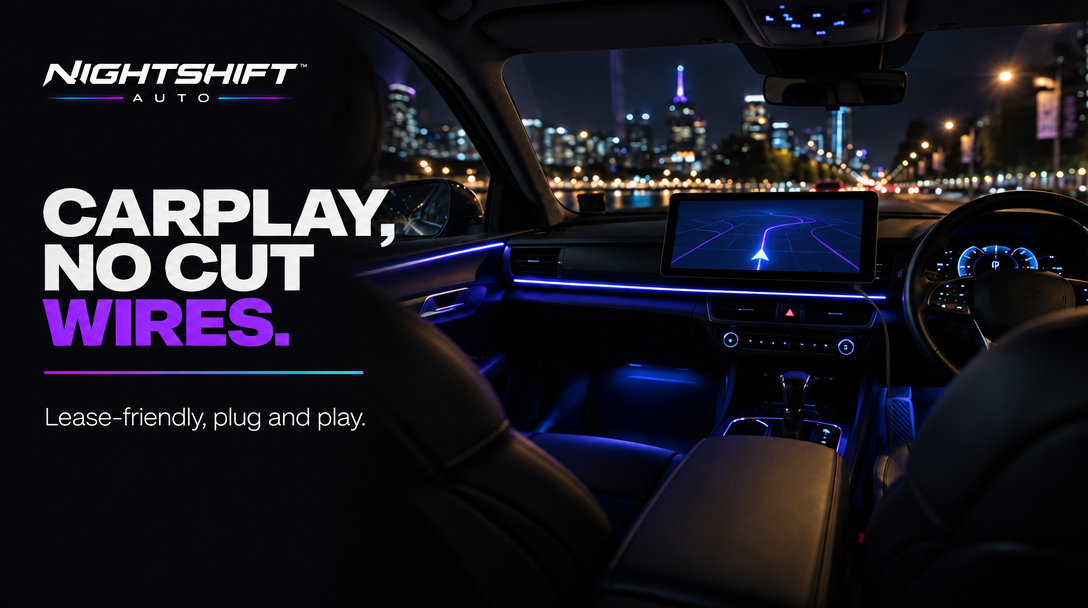
If your car is leased, financed, or just too nice to pull apart, the idea of adding Apple CarPlay usually dies at the same place: someone tells you it needs a new head unit, a fascia kit, a harness and half a day with the dash in pieces.
There's another route that touches none of that. A portable CarPlay screen mounts on top of the dash, powers from a plug, and leaves the factory system completely alone. Here's how the install actually works, and what to check before you buy.
Why "no cut wires" matters more than it sounds
Cutting or splicing into a factory loom is the point of no return for three groups of people: anyone leasing a car, anyone with a finance agreement that restricts modifications, and anyone planning to sell. A plug-in install avoids the question entirely — nothing is spliced, nothing is coded, and removing the setup leaves the car exactly as it was.
The install, step by step
- Mount the screen. NIGHTSHIFT™ DRIVE is a 10.2-inch touchscreen that mounts to the dash with the included brackets. Position it so it never blocks your view of the road.
- Power it. The included 3m power cable plugs into the 12V socket. Route it along trim gaps so it's out of the way — no wiring knowledge required.
- Connect your phone. Wireless Apple CarPlay and Android Auto pair over Bluetooth and Wi-Fi. First pairing takes a couple of minutes; after that it connects when you get in.
- Sort the audio. The unit has a built-in speaker, an FM transmitter and an AUX connection. AUX into the factory stereo gives the cleanest sound if your car has a port; FM works everywhere but depends on finding a clear frequency.
- Optional: run the rear camera. The included rear camera and 7m cable are the one part that takes real time — routing to the back of the car means lifting trim along the way. Allow up to an hour, or skip it and add it later.
Budget 10–15 minutes for the screen itself. It's difficulty 1.5/5 with the camera run; the screen alone is closer to unboxing a phone.
What you keep, what you give up
You keep: the factory head unit, the factory look below the screen, every factory control, and the ability to hand the car back or sell it without a trace.
You give up: factory integration. CarPlay is controlled from the touchscreen and your phone, not the steering wheel buttons, and audio routes through AUX, FM or the built-in speaker rather than a replacement head unit feeding the factory amp. The screen also sits on the dash rather than in it — in a clean interior it looks deliberate, but it's an added screen, not a moulded one.
The lease-friendly checklist
- Nothing is spliced. Plug-in power only — confirm you're not tempted into a hardwire kit.
- Nothing is glued. Bracket mounting, not adhesive pads on leather or soft-touch trim.
- Everything reverses. Brackets, cables and the unit all come out in minutes.
- Your agreement still rules. Lease and finance terms vary — a reversible accessory is the lowest-risk category, but check your paperwork if it's strict.
On top of CarPlay and Android Auto, the unit includes GPS navigation and 4K dual-camera recording — front camera built in, rear camera in the box — so the one mount covers navigation and a dash cam. See the live product card below for current pricing and the full in-box list.
FAQ
Does a portable CarPlay screen need an auto-electrician?
No. It mounts with brackets and plugs into the 12V socket. The only time-consuming part is the optional rear camera cable run.
Will it work with my steering wheel controls?
Don't assume factory wheel controls will operate a portable screen. CarPlay is controlled from the touchscreen and your phone; preserving wheel controls is the argument for a replacement head unit with the right harness.
Is a dash-mounted screen legal?
Rules vary by state and territory. Mount it so it never blocks your view, set it up before you drive, and never handle your phone while driving. Customers are responsible for ensuring their vehicle setup complies with applicable laws.
