
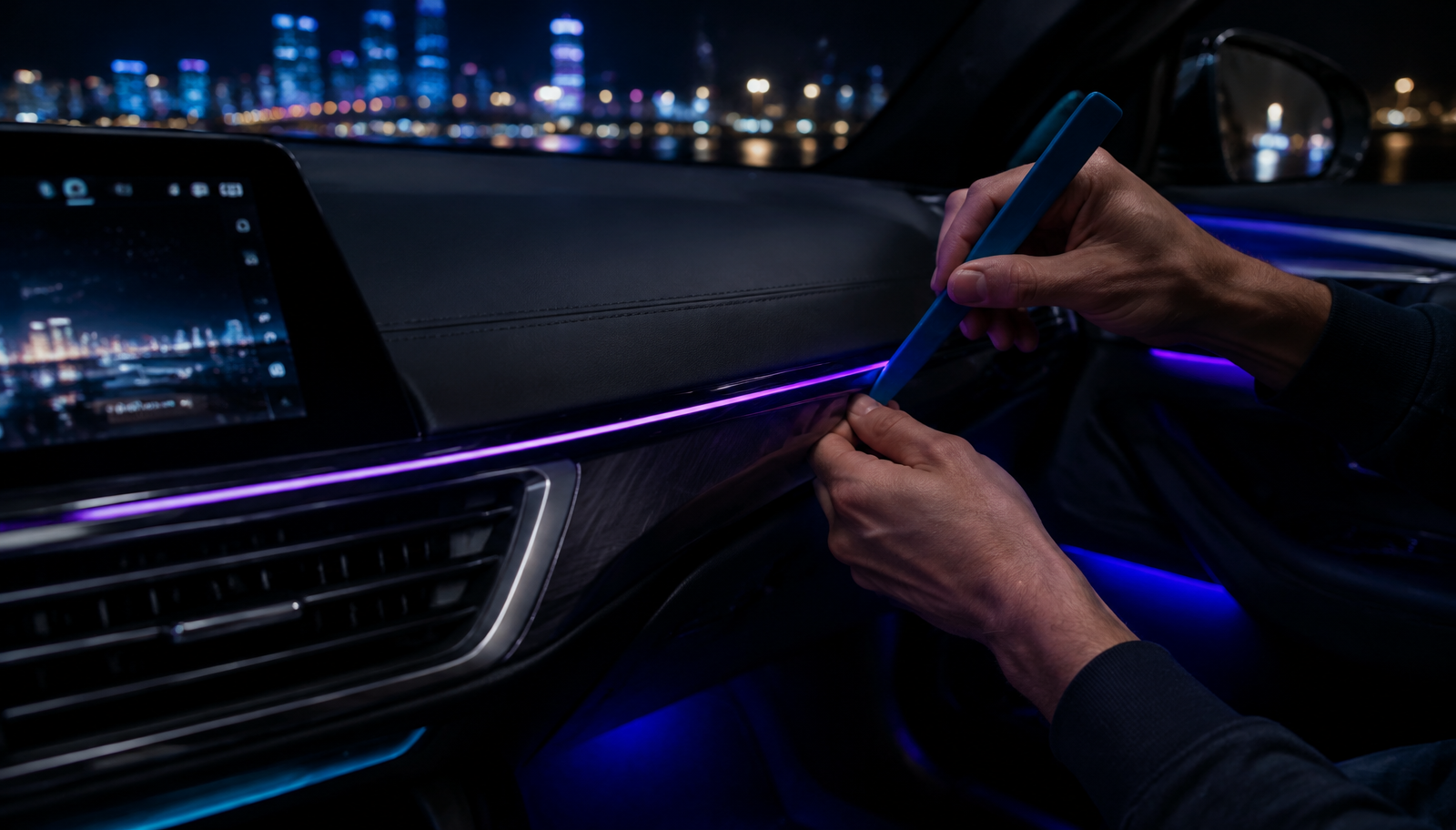
Every ambient lighting listing says "easy install". Almost none of them tell you what that actually means in minutes, tools and trim panels. This guide does. It covers the honest difficulty of each NIGHTSHIFT product, the realistic time you should budget, and the step-by-step process that separates a factory-looking install from a rough one.
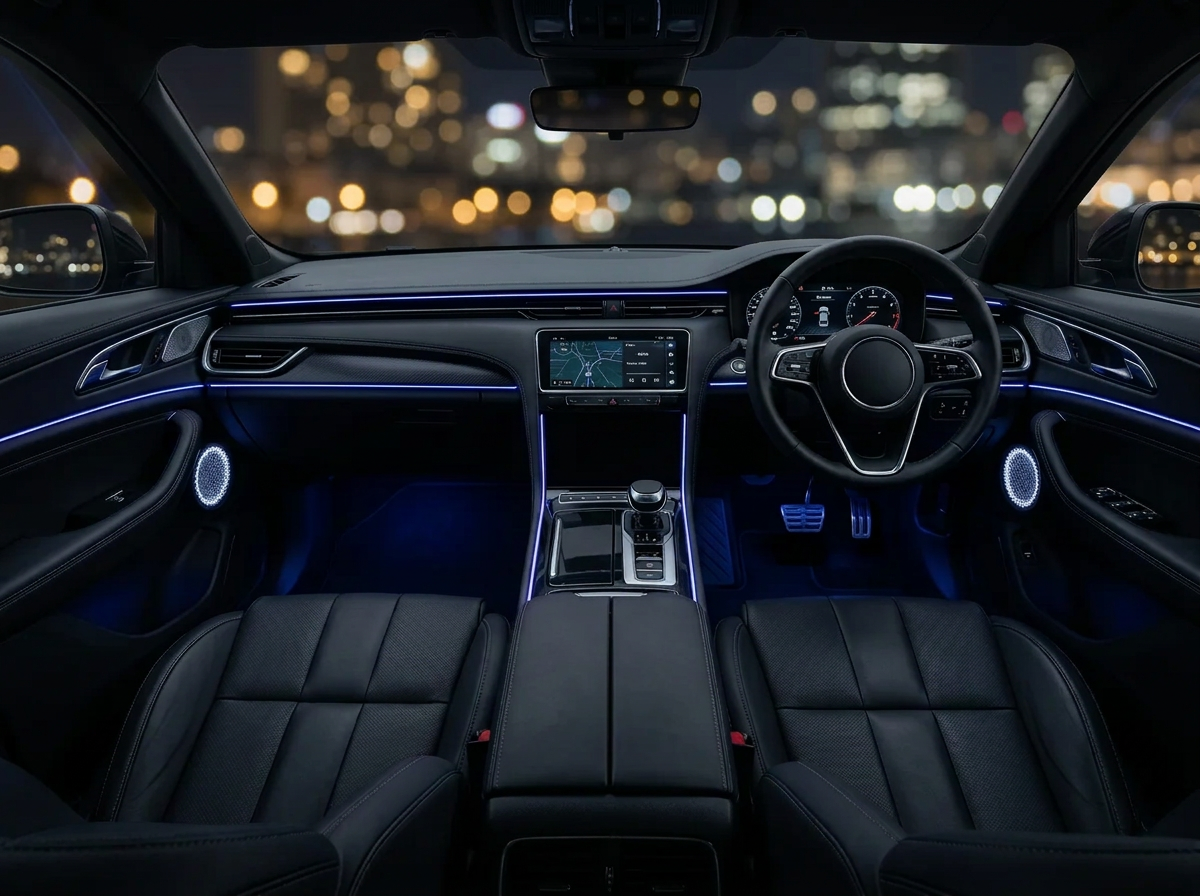
The honest difficulty comparison
Not all installs are equal. Here's how the range actually stacks up:
- NIGHTSHIFT™ MAG — 1/5, about 2 minutes. Clips to an air vent, plugs into 12V or USB. If you can put on a seatbelt, you can install this.
- NIGHTSHIFT™ DRIVE — 1.5/5, 10–15 minutes. Bracket-mounted screen, plug-in power. The rear camera cable run is the only part that takes patience — allow up to an hour with it included.
- NIGHTSHIFT™ AMBIENT — 2/5, 30–45 minutes. The standard plug-and-play kit: six adhesive strips, USB power, app control. Simple, but the finish depends entirely on prep and patience.
- NIGHTSHIFT™ AMBIENT PRO — 3.5/5, 2–3 hours. The full-cabin kit: more strips, more trim to lift, more wiring to hide across dash, doors and footwells. Not hard in any single step — it just has a lot of steps, and rushing shows.
None of these require cutting factory wires. Everything below assumes you're doing the job parked, in daylight or under good lighting, without time pressure.
Tools you'll want within reach
- Trim pry tool set — plastic levers for lifting trim edges without marking them. The single most useful tool for any interior job.
- Isopropyl alcohol and a clean cloth — for surface prep. This is not optional if you want adhesive to hold through an Australian summer.
- A torch or headlamp — footwells and door pockets are dark even at midday.
- Cable ties or clips — for securing loose wiring runs behind trim.
Step 1: Plan before you stick anything
Lay every strip out along its intended run with the power off. Check the lengths reach, decide where the controller will live, and work out where the power cable will travel. Ten minutes of planning saves an hour of peeling adhesive back off.
Step 2: Clean every surface with isopropyl alcohol
Dust, dash shine products and finger oil all kill adhesive. Wipe every mounting surface with isopropyl, let it dry fully, and don't touch it again with bare fingers. Most "the strips fell off" complaints are prep complaints.
Step 3: Test before tucking
Connect everything and run every strip from the app before a single piece is stuck down or a single panel is refitted. A dead strip found now costs you nothing. A dead strip found after the trim is back on costs you the whole job again.
Step 4: Mount the strips
Start at the power end and work away from it. Stick strips so they point at trim — the light should bounce and glow, never beam directly into the driver's eyeline. If you can see the bare LED from the driver's seat, reposition it.
Step 5: Tuck and route the wiring
This is where clean installs are made:
- Trim gaps: use the pry tool to open the seam along dash edges and press the cable in behind the panel.
- Weatherstrips: door seals pull back with thumb pressure and hide a cable run perfectly along the door frame.
- A-pillars: route vertical runs behind the A-pillar trim, and keep the cable clear of any curtain airbag path — tuck it behind the trim, not across the cover.
- Never run wiring across an airbag cover, over moving seat rails, or across visible panels.
Step 6: Power it
You have two honest options:
- 12V socket / USB (recommended): plug in and done. Fully reversible, no tools, no risk. The AMBIENT kit is USB powered by design, and DRIVE and MAG both run from the 12V socket. This is the right choice for leased or financed cars.
- Fuse tap (optional, advanced): an add-a-fuse tap into the fuse box gives a cleaner, ignition-switched feed with no visible cable. It's still removable, but it's a semi-permanent route — only attempt it if you're comfortable identifying fuse slots and using a multimeter, and check with your insurer if the vehicle is under finance.
Troubleshooting
- A strip won't light: check the connector is seated fully — most "dead strips" are half-inserted plugs.
- Adhesive won't hold: re-clean with isopropyl and warm the surface slightly; cold dash plastic holds adhesive poorly.
- App won't connect: power-cycle the controller and check the phone's Bluetooth permission for the app.
- Light reflects in the windscreen: drop the brightness and re-aim the strip downward. Brightness control is the fix, not removal.
- Rattle after refitting trim: a clip isn't seated. Go back and press each fixing point until it clicks.
Which kit matches your appetite for a project?
If you want the transformation without the project, NIGHTSHIFT™ AMBIENT is 30–45 honest minutes. If you want the whole cabin done and you're happy to give it a Saturday, NIGHTSHIFT™ AMBIENT PRO rewards the effort. And if wiring of any kind is a hard no, NIGHTSHIFT™ MAG and NIGHTSHIFT™ DRIVE both plug in and go.


Every product ships with free standard shipping Australia-wide and 30-day returns — so if the install isn't for you, you're not stuck with it.